
Features
Automatic timesheets from every clock-in
Automatic timesheets from every clock-in: overnight shifts, breaks and overtime calculated per work date, with missing punches flagged instead of guessed.
Explore timesheetsAttendify Vision · Attendance operations
From check-in evidence to reviewed hours. Capture every shift with a liveness selfie and GPS at the site, investigate the gaps, and give payroll hours with a reviewable history.
For construction, security, facilities, cleaning, logistics and service teams. 7 days free, no credit card required.
The worker app
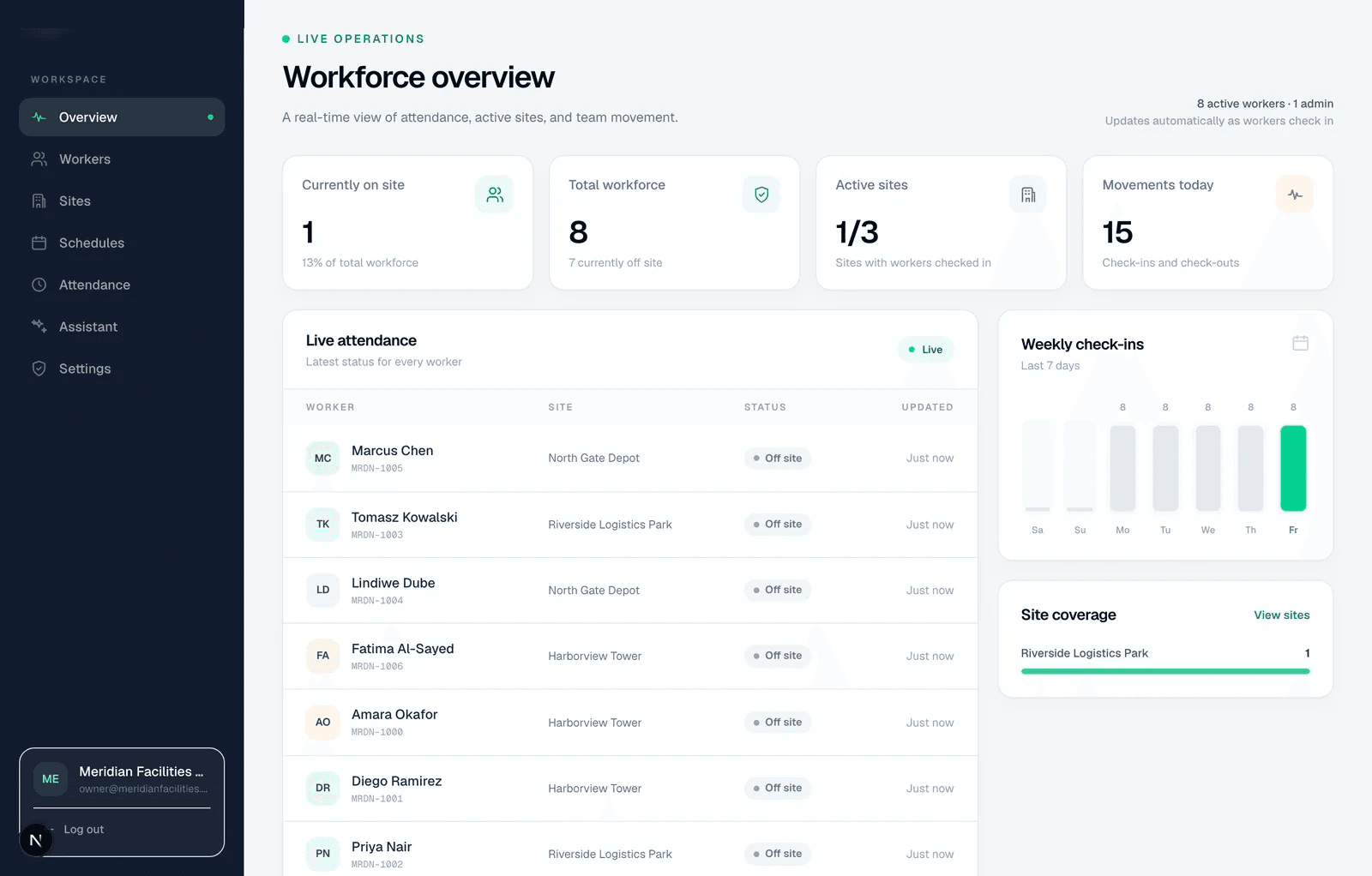
Give every worker a simple path from device setup to a verified check-in, then keep the captured activity visible for the review that follows.


A worker records a check-in or checkout with selfie and location evidence.
The server checks a received capture before accepting attendance.
Schedules, paired events and applied corrections produce daily hours.
Missing punches and other exceptions stay visible for investigation.
Record correction reasons; use the approval queue when enabled.
Review export exclusions and reconcile hours with the payroll receiver.
The work between a punch and payroll
An offline checkout, a changed shift or a missing worker ID can leave payroll with an incomplete picture. Attendify connects the captured event to the rule, correction and export decision that follows.
Features
Automatic timesheets from every clock-in: overnight shifts, breaks and overtime calculated per work date, with missing punches flagged instead of guessed.
Explore timesheetsFeatures
Fix a missed punch with a recorded reason. Attendance regularization keeps the original evidence, supports optional approval and recalculates the timesheet.
Explore attendance correctionsFeatures
Export reviewed attendance hours to payroll: generic CSV and JSON plus layouts for SAP, SuccessFactors, Oracle, Workday, ADP, Gusto, QuickBooks Time and Deel.
Explore payroll exportsFeatures
Bulk import employees from Excel or CSV: map your own column names, preview every create, update and skip, then apply, keyed on your own employee IDs.
Explore workforce importsA guard’s overnight handover and a cleaner’s split visits need different review questions. Start with the workflow closest to yours.
Working in the UAE or the wider GCC? Attendance software for UAE and GCC field teams →
Evidence with an honest boundary
GPS describes reported event location. Liveness is a capture check. Optional face verification compares identity references. Reviewed hours still need human responsibility and receiving-system validation.
Starter and Growth are self-serve — start a 7-day free trial, no credit card required. For Enterprise, or to talk through worker/site counts and payroll fit first, reach out directly.